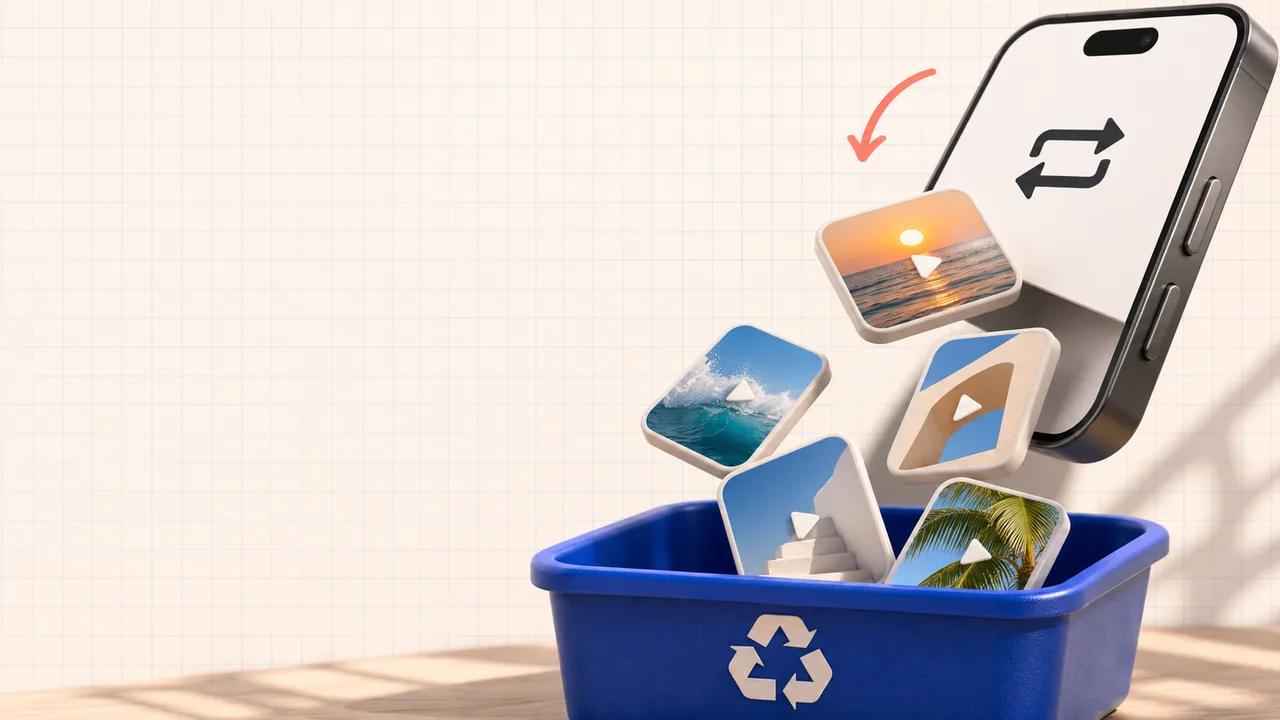
Remove a like or hide the list?
Removing a like changes your reaction to a particular post. Visibility settings control who can browse liked videos on your profile; they are not a command to remove those reactions.
In TikTok, open Profile → Menu → Settings and privacy → Privacy → Liked videos. Choose Only you to limit visibility. The available options differ for public and private accounts.
Your outgoing likes are also separate from the total likes received by your own posts. Simple Fire removes your reactions from selected videos. It is not designed to remove other people’s reactions to your content.
Remove one like manually
Open your profile and the liked-videos tab. Find and open the post, then tap its active Like button again. Check the heart’s state afterwards. For a few accidental likes, these steps are enough without connecting Simple Fire.
A tab or post failing to load does not establish that your list is empty. Check your connection and app version. If you have a particular post’s link, open it to inspect your reaction directly. An unavailable post cannot be reliably processed from an old title alone.
Select likes to remove in Simple Fire
On the website, connect your TikTok, open Tools → Likes and check the selected account. Choose Load list and wait until loading finishes. This changes nothing: selection becomes available after the complete list has been received.
Search by creator or words in the caption. Select individual posts or choose Select all matches for the current filter. Review the selected count before continuing. For example, searching a creator can help remove likes from their posts while keeping other likes.
Choose Remove selected likes. Check the account and count in the first confirmation. Then enter the username and acknowledge the consequences. Processing starts only after the second confirmation. This is a one-off task; it does not automatically remove likes you add in future.
Limits and checking the result
One cleanup supports up to 500 selected items. Scans are limited to 2,000 items: if the list exceeds this limit or cannot be fully loaded, cleanup does not start. The filter works on the loaded list and cannot bypass its scan limit.
You can close the page after starting. Results remain in your dashboard, and scheduled streak messages take priority. Stop prevents further actions but does not restore likes already removed. An action underway may still finish.
If a result is unconfirmed, inspect the affected posts in TikTok before another run. Request limits, sign-in checks or interface changes may interrupt processing. Removing likes also cannot guarantee a reset of your recommendations: TikTok considers several interactions, including what you watch.
Pricing and eligibility
Tools are available to the owner on the website with an active paid subscription or eligible trial for the selected TikTok account. New users can receive 72 hours after a successful connection, once per Simple Fire profile and TikTok account. Access then costs RUB 50 per account per calendar month.
Automatic renewal is a separate setting in your dashboard. If you only need a private liked-post list, use TikTok’s visibility setting described above. If you choose cleanup, review the selected posts first: Simple Fire has no automatic undo for removed reactions.
Continue to your account
Check access and settings in your dashboard. Actions begin only after you confirm.
Open likesSeeing a different interface? Tell us.